OpenMediaVault Installation Stuck During DHCPv6 Configuration
- EN
- JA
Table of Contents
During an OpenMediaVault installation, I encountered a problem where the installer became stuck while configuring DHCPv6.
This article explains the symptoms and the solution.
#
Symptoms
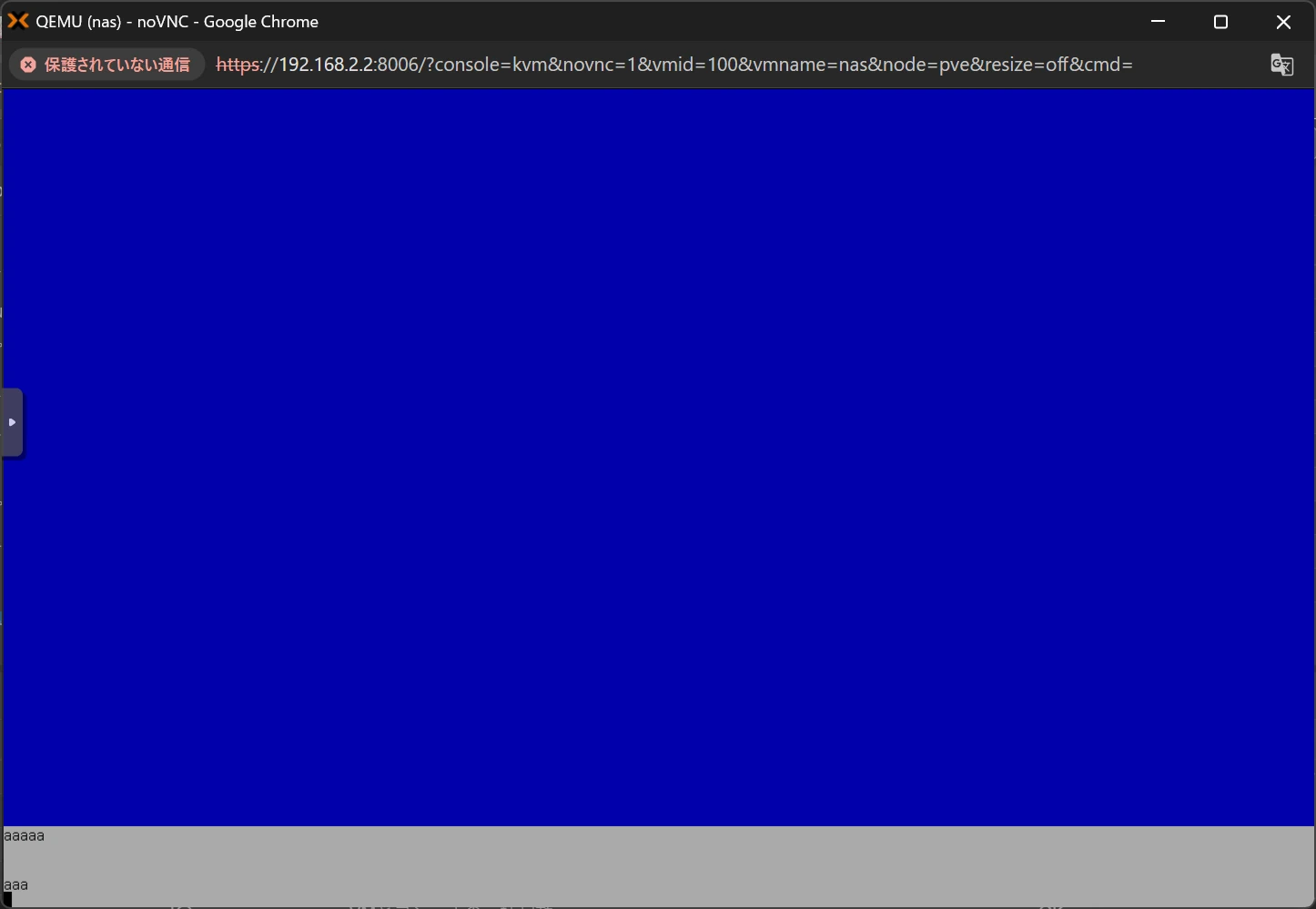
While installing OpenMediaVault, the installation became stuck when DHCPv6 autoconfiguration ran and stopped on a blue screen.
As you can see near the bottom of the image, it was not completely frozen; it still accepted input.
#
Analysis
In my environment, the ISP assigned IPv6 addresses using SLAAC, and the router was configured to relay RA, DHCPv6, and the NDP proxy.
With SLAAC, the IPv6 address prefix is announced through RA. The DNS server address is obtained either through a DHCPv6 Information-request or RDNSS.
After analyzing the router packets, I found that my environment obtained the DNS server address through an Information-request.
When a router relays DHCPv6, it forwards the Information-request received from the client to the DHCPv6 server using Relay-forward.
After analyzing the packets during DHCPv6 relay, it appeared that the DHCPv6 server did not support Relay-forward. As a result, the response to the Information-request was not returned to the client.
This appears to have caused the OpenMediaVault installation to become stuck.
#
Solutions
##
Temporarily Disable IPv6
Reviewing the network configuration is recommended first, but since it was clear that something was going wrong in the IPv6 environment, temporarily disabling IPv6 in the router configuration is another option.
I tried disabling all IPv6 settings on the router and confirmed that the OpenMediaVault installation proceeded without getting stuck.
Because the issue only occurs in an IPv6 environment, unplugging the LAN cable while the installer is configuring IPv6 can also be effective.
If you simply want to complete the installation, or do not need IPv6, this method should be sufficient.
##
Review the Network’s IPv6 Configuration
In my environment, I changed the configuration so that the router no longer forwarded DHCPv6 Information-requests to the DHCPv6 server and instead returned the responses from the router itself.
This prevented the OpenMediaVault installation from getting stuck.
Monitor IPv6 packets from the client to the router and review where and what is happening.